Lighten your Photos app
Move reference screenshots and documents out of your everyday camera roll.
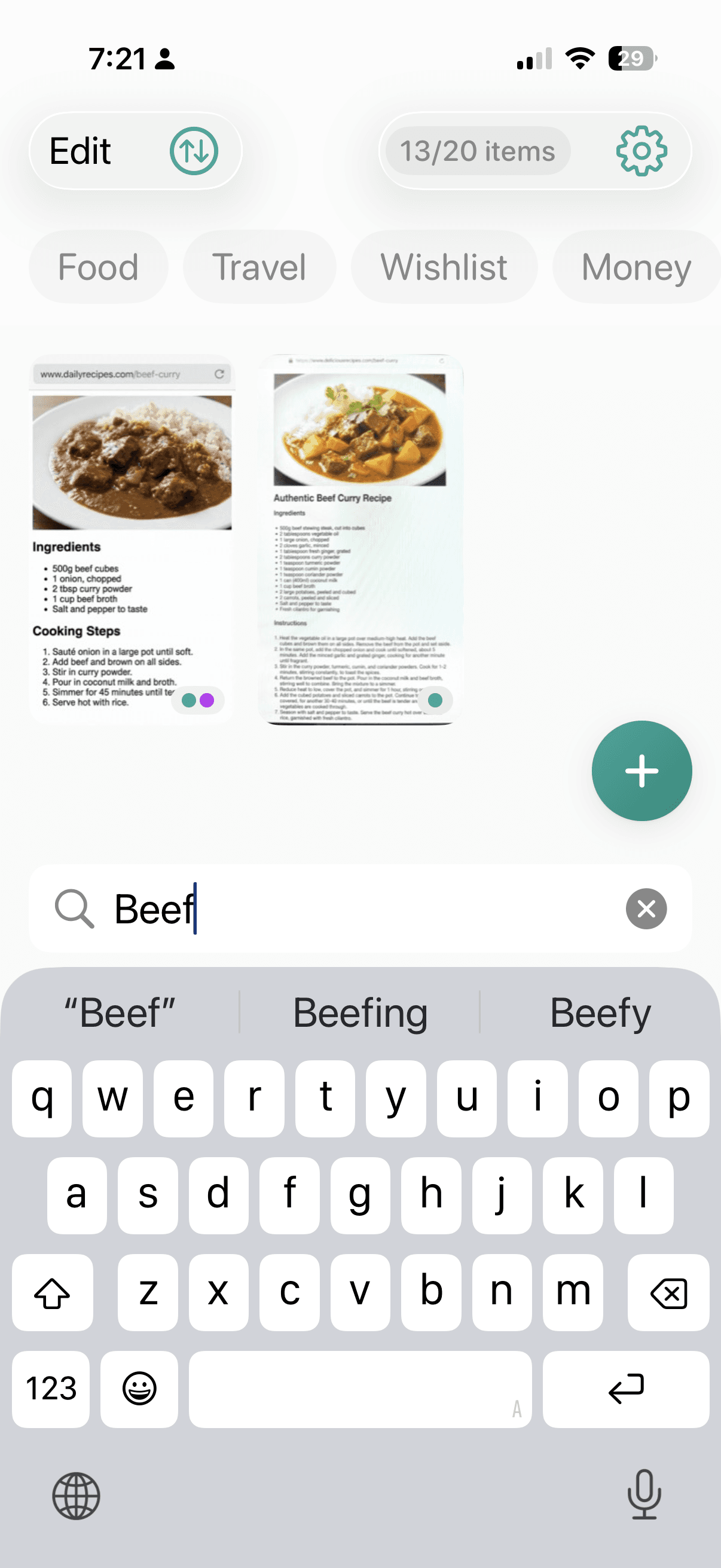
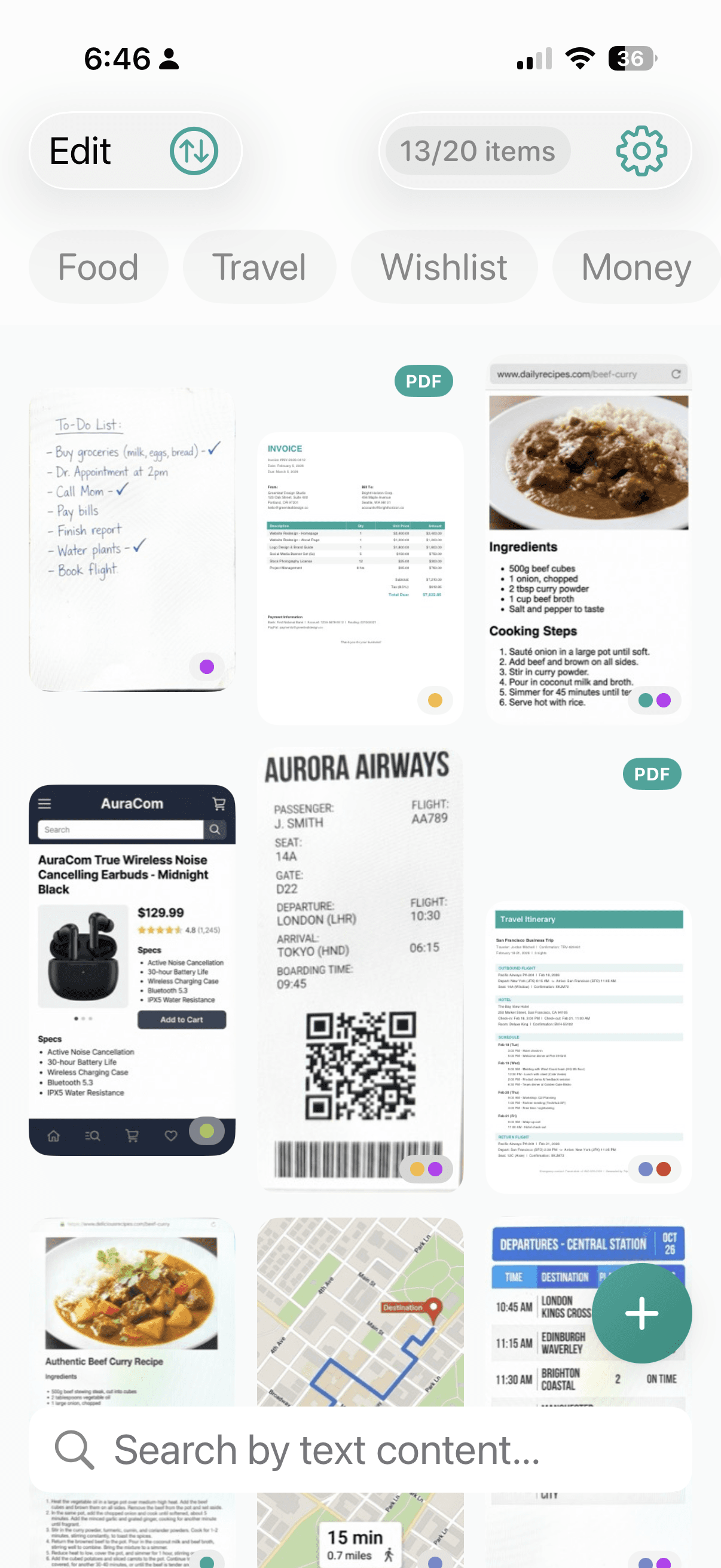
Import screenshots and documents into Keeplet, organize them with tags, and search inside images and PDFs with OCR.
Free for up to 10 items. One-time Premium unlocks unlimited storage.
Separate the screenshots and documents you want to revisit from your everyday photos, and keep them somewhere private.
Move reference screenshots and documents out of your everyday camera roll.
OCR helps you find text inside screenshots, scans, and PDFs.
Face ID and Touch ID lock help protect what you keep.
Import, find, review. A lightweight flow that fits into everyday use.
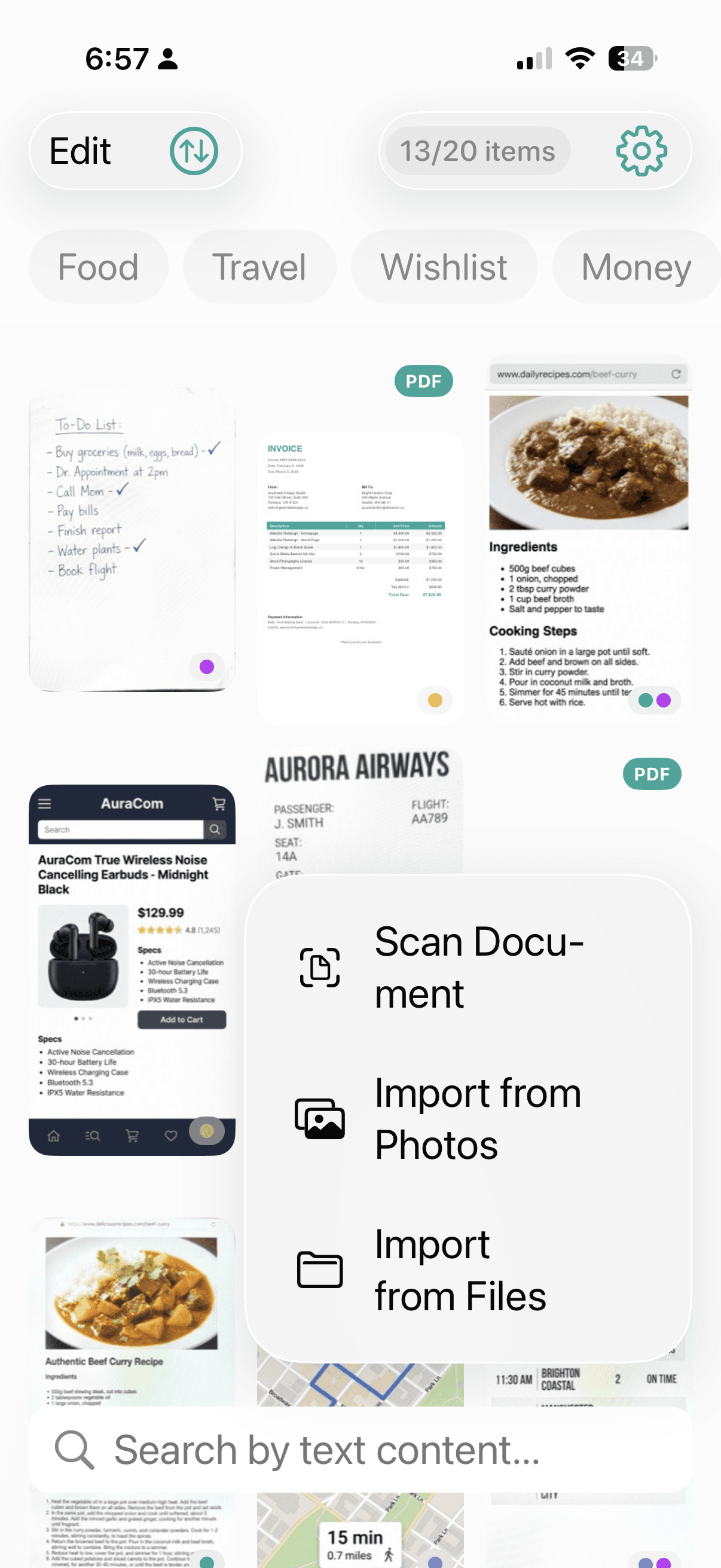
Import from your photo library, document scanner, or share sheet.
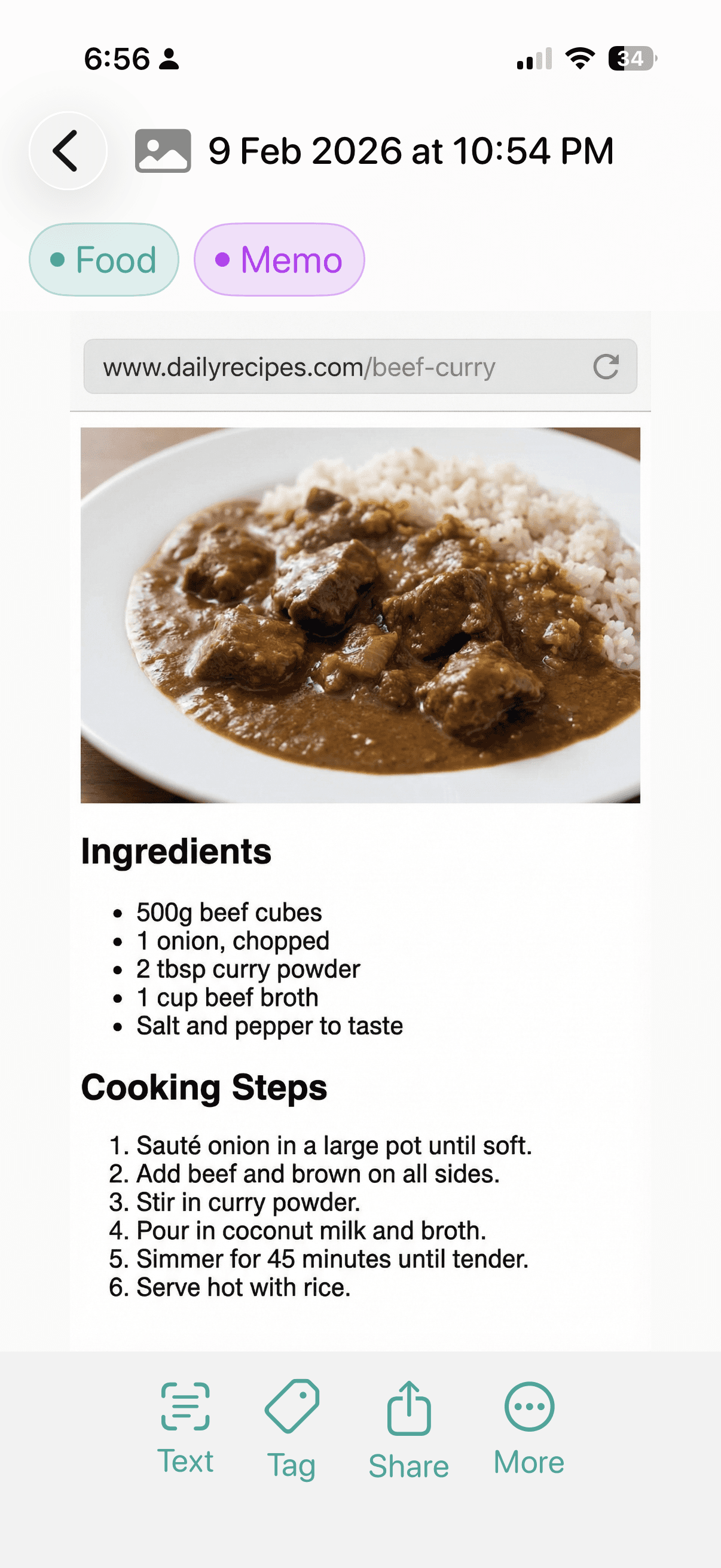
Add tags and search text inside images and PDFs with OCR.
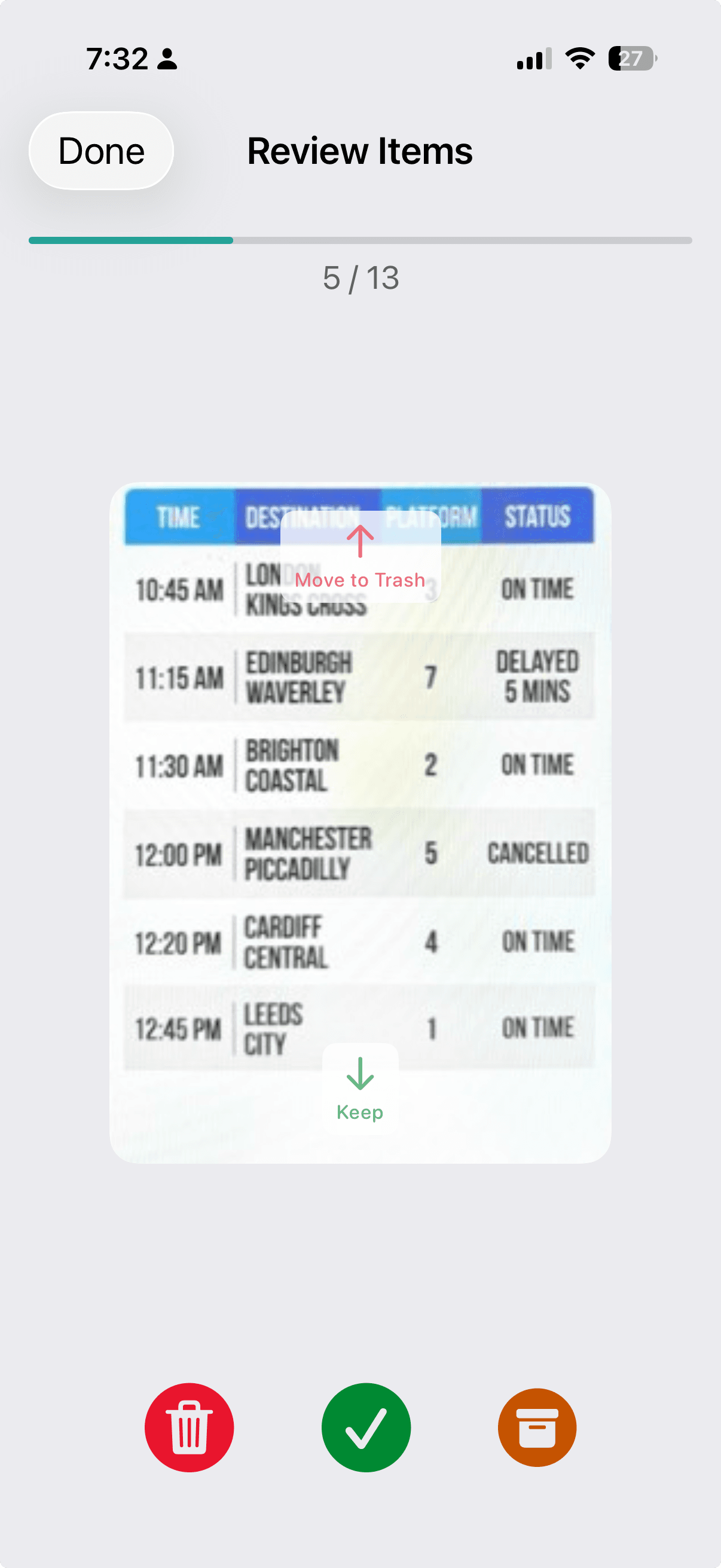
Review older items and decide what to keep, trash, or archive.
Pick multiple items from your photo library, or send via the share sheet.
Capture paper documents as PDFs or images with the built-in iOS scanner.
Sort with presets like Important, Wishlist, Curious, Favorite, or your own.
Find what you need by searching text inside images and PDFs.
Review older items and decide what to archive or trash.
Protect private items with biometric lock.
Keeplet is designed for organizing screenshots and documents locally. Keep what matters, and protect private items with biometric lock.
No subscription. See the App Store for current pricing in your region.
Try organizing screenshots and documents at no cost.
Unlimited items. No subscription.