Copy something new, and the old one's gone
Your Mac's clipboard holds only one item at a time. Reopening the same window just to copy it again adds up.
Your Mac's clipboard remembers only the last thing you copied. Kopipe saves everything you copy — text, images, files, URLs — automatically, so you can search and paste it back anytime.
Free for 3 days, all features included. The last 24 hours of history stay free after that. Unlock older history with a one-time $5.99, no subscription.
Your Mac's clipboard holds only one item at a time. Reopening the same window just to copy it again adds up.
Name, address, phone number — pasting each one usually means switching back to the source every time. Quick Paste ends that.
If you can't remember what a screenshot said, you can't find it. Kopipe's OCR makes the text inside images searchable too.
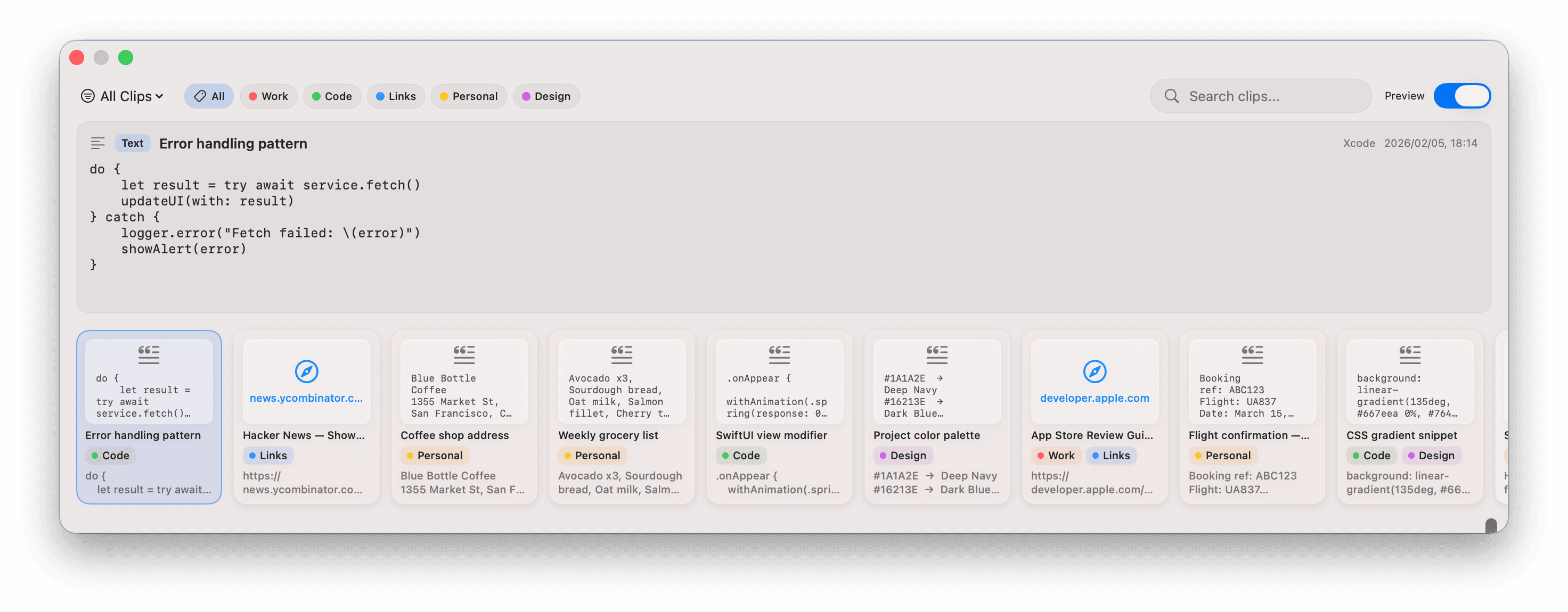
Text, images, URLs, and files are saved automatically as you copy.
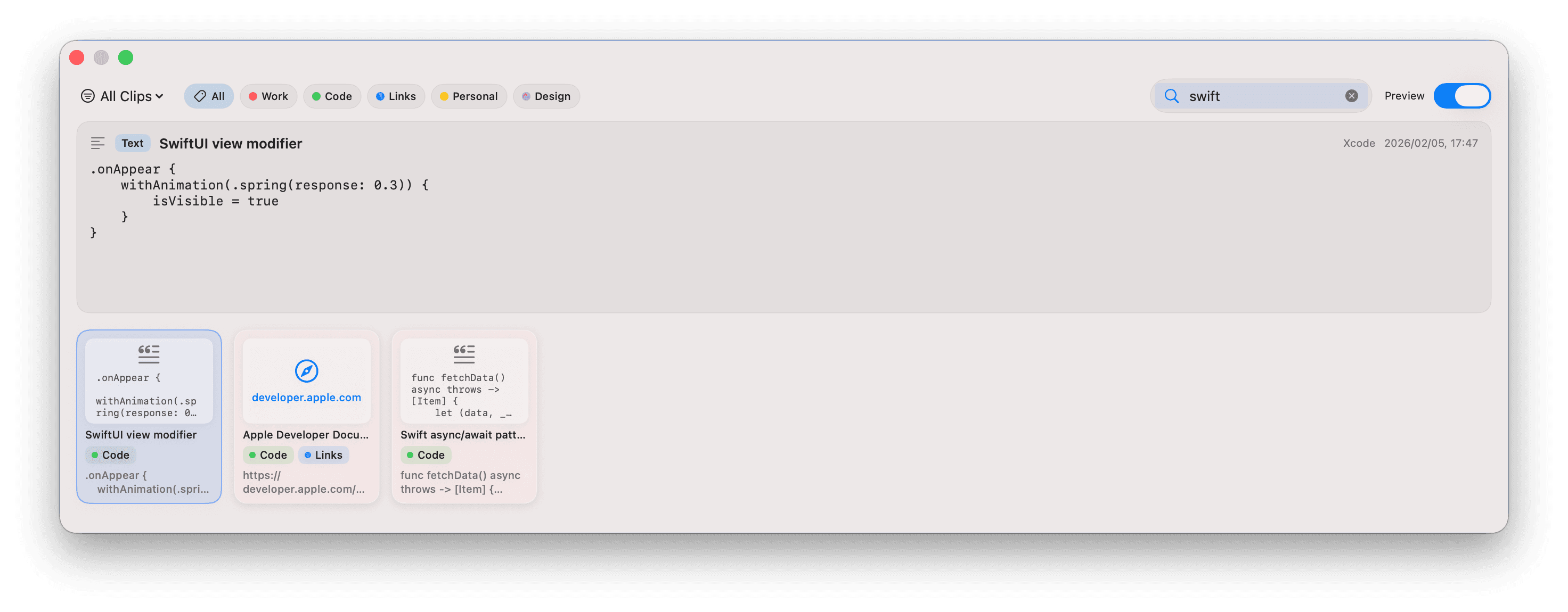
Search by keyword or filter by label to find any clip in seconds.
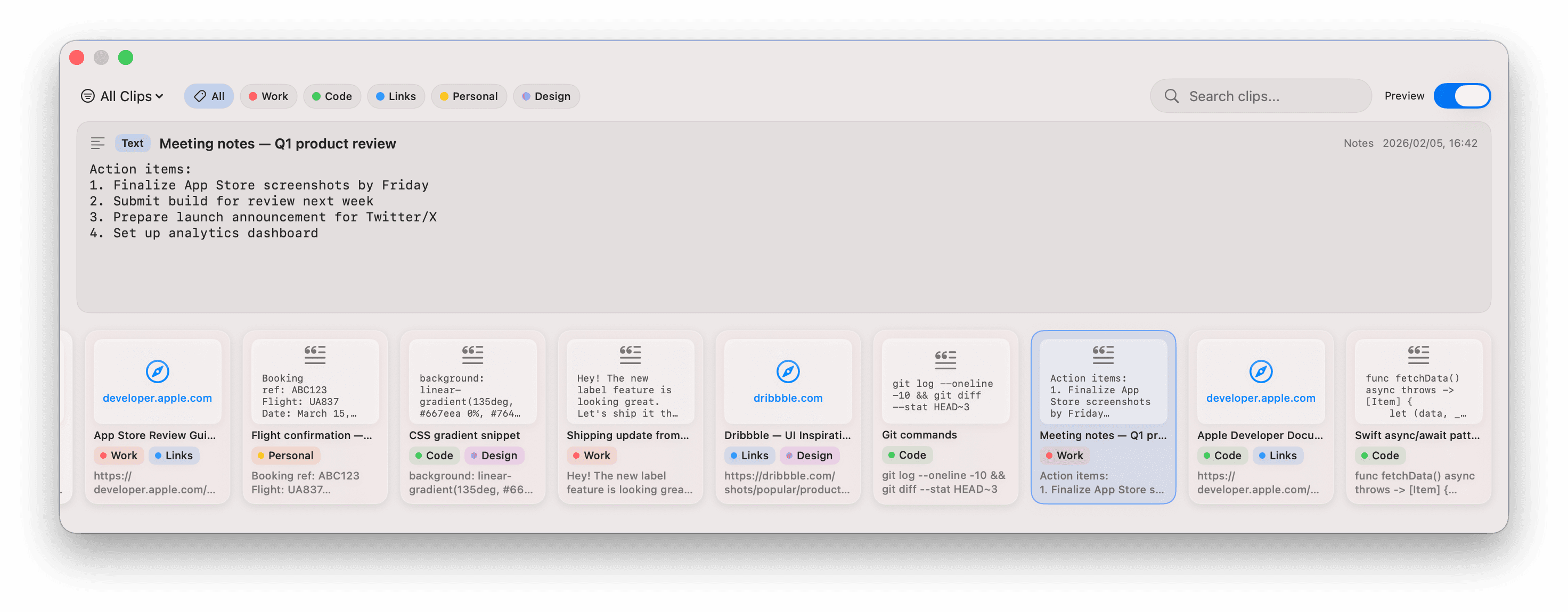
Open the timeline with ⇧⌘V and paste with Enter. Quick Paste (⌘1–9) also works straight from the menu bar icon — no need to open the timeline at all.
Saves text, images, files, and URLs as you copy. Skips duplicates automatically.
Search across text, URLs, filenames, and the text inside images and PDFs — all at once.
Create colored labels, apply multiple to one clip, and filter instantly.
Pin frequently used clips to protect them from auto-deletion, across multiple boards.
Paste any of the last 9 clips with ⌘1–9, or with one click from the menu bar icon. No need to open the timeline.
Assign ⌃⌘1–3 to your most-used text — signatures, addresses, boilerplate. Always ready, instantly.
Save greetings, signatures, and thank-you templates to Fixed Paste. Paste any of them instantly with ⌃⌘1–3.
Receipts, confirmation numbers, QR codes — you don't need to remember what they said. Kopipe searches the text inside images too.
Quotes, reference URLs, draft text — copying is enough to keep them in your history. Search finds them again anytime.
Name, address, phone number — paste them in sequence with ⌘1, ⌘2, ⌘3. Filling out web forms gets a lot faster.
For those who only need a Mac and prefer to skip subscriptions.
Paste pricing and features per pasteapp.io. Prices vary by region and exchange rate — please re-verify current pricing before publishing this comparison.
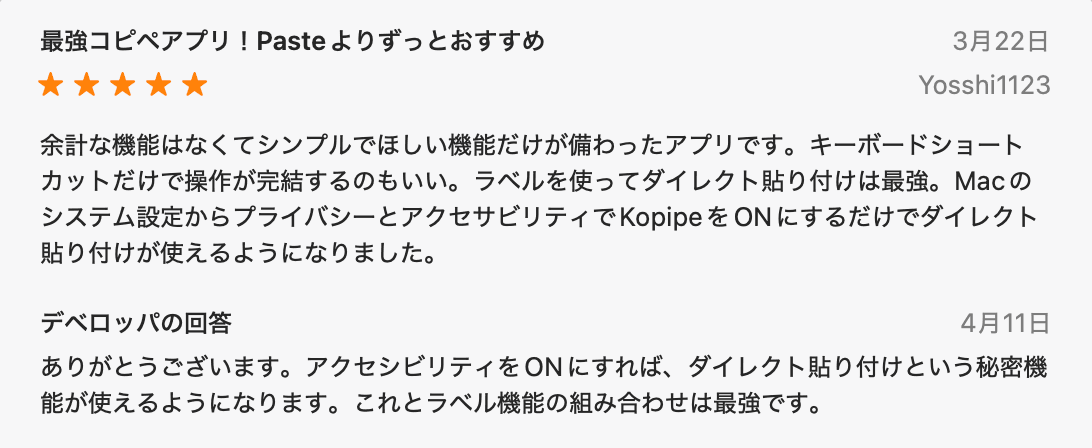
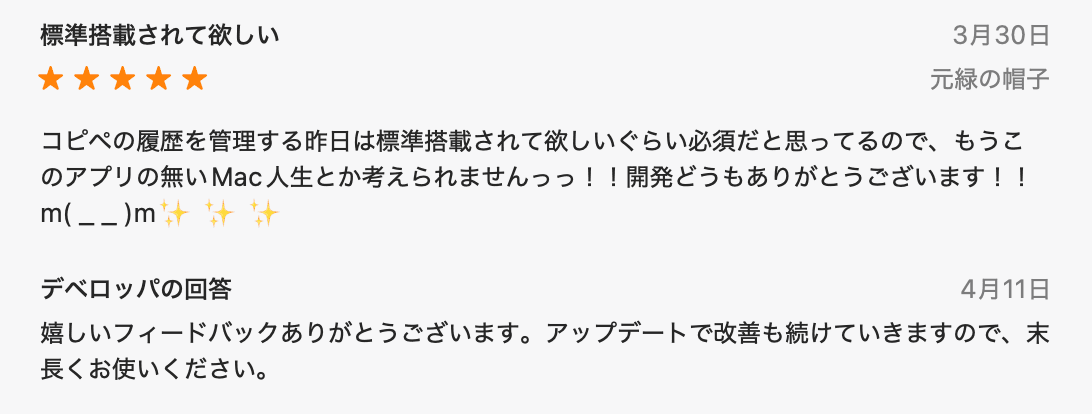
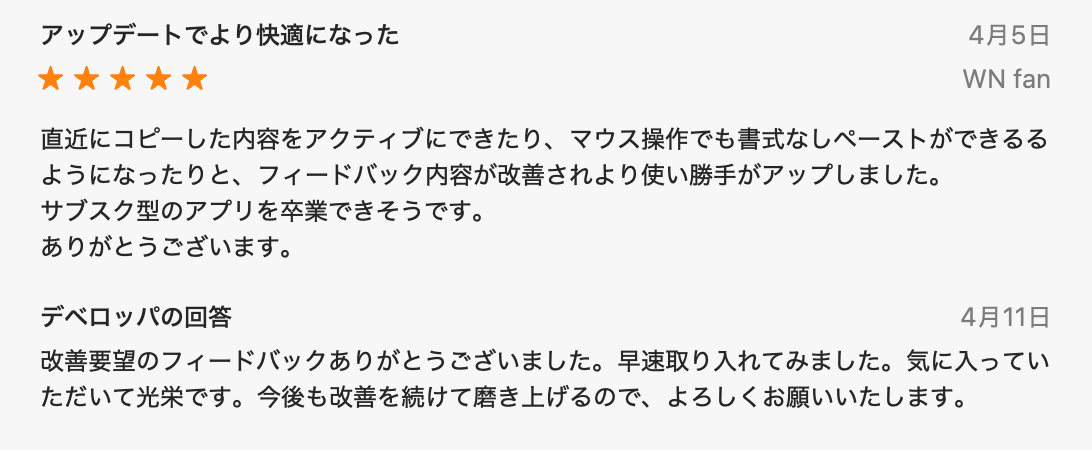
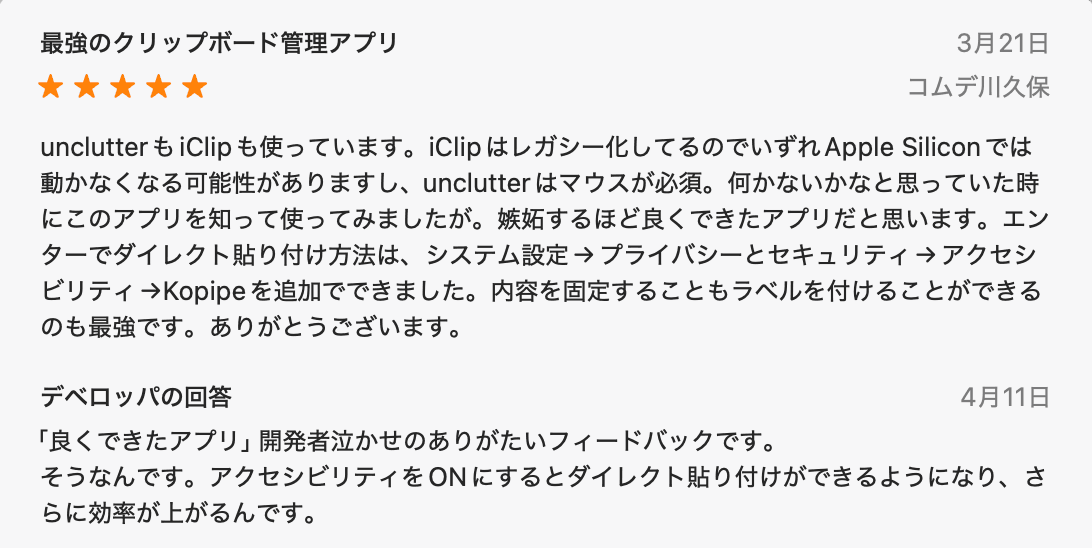
App Store rating: 4.4 / 5
Unlocks clipboard history beyond 24 hours and full-text search — forever, no extra fees.
Yes. The 3-day free trial includes all features. After the trial, basic features like search, labels, and paste remain available, but accessing history older than 24 hours requires the Pro upgrade ($5.99 one-time).
Only on your Mac's local storage. Nothing is ever sent to any server, and Kopipe works without an internet connection.
Export a backup from Settings, then import it on your new Mac to restore your history, labels, and pinboards. This is free and works even after your trial has ended.
You can exclude specific apps. Kopipe also automatically detects and skips credit card numbers and OTP codes, so sensitive data is filtered out by default.
No. Kopipe is macOS only.
Yes. Export your entire history to a single file from Settings, then import it on your new Mac (v1.11 or later). Duplicate clips are skipped automatically.
Grant Kopipe permission under System Settings > Privacy & Security > Accessibility, and a single Enter key pastes directly into the active app. Without this permission, clips are only copied to the clipboard, so you'll need to press ⌘V yourself.
No. It's a one-time purchase of $5.99. No monthly or annual fees — all future updates are included.
Mainly pricing and privacy. Kopipe is a $5.99 one-time purchase that runs fully offline; Paste is a subscription (with a lifetime option) that syncs via iCloud. See the comparison table above for details.
We actively incorporate user feedback. All updates are free with your one-time purchase.